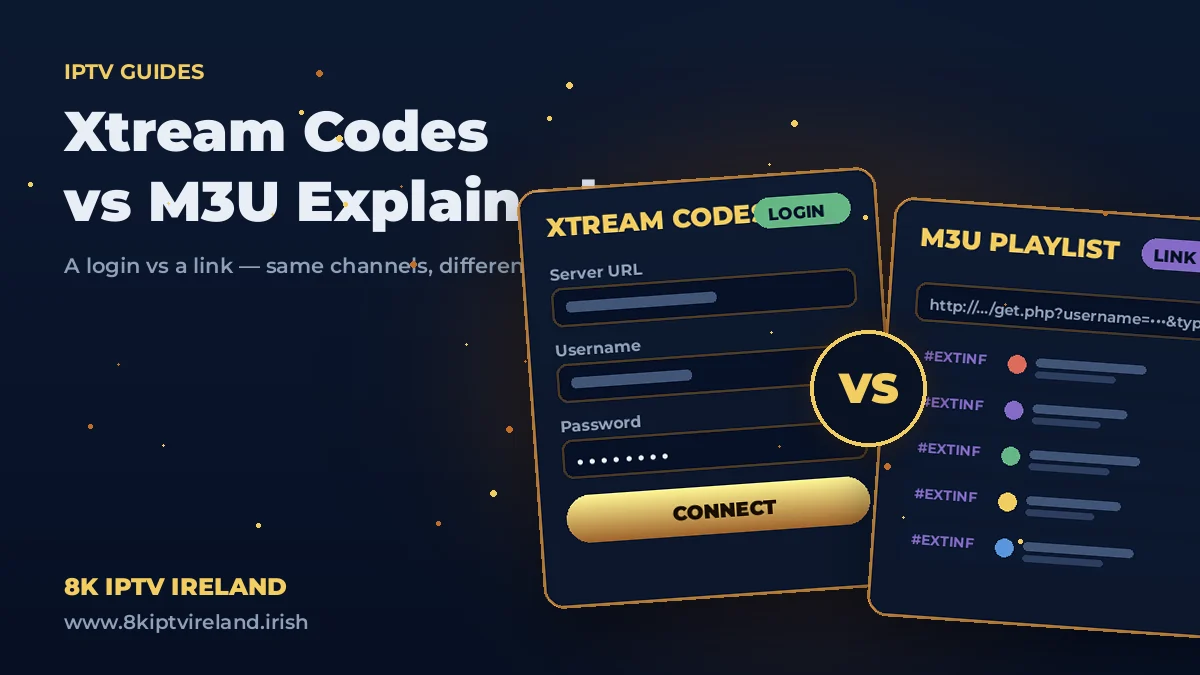
Subscribe to any IPTV service and two mysterious terms appear almost immediately: Xtream Codes and M3U. Every player app asks which one you're using; every setup guide mentions both. They're simply two different ways of connecting your player to the same subscription — but choosing the right one changes how smooth your daily experience feels. Here's the plain-English explanation, and our clear recommendation.
Both methods deliver identical content — same 55,000+ channels, same movies, same series. Xtream Codes is a login; M3U is a link. Xtream Codes connects your app to our server with a username and password, letting the app organise everything itself. M3U hands your app one long playlist file and leaves the organising to it. When your player supports both — and nearly all of them do — choose Xtream Codes. Now the detail.
Xtream Codes is an API — a live, two-way connection between your player app and the service. You enter three things: a server URL, a username and a password (all sent to you on WhatsApp at activation). The app then talks to the server directly and requests exactly what it needs, when it needs it.
M3U is a playlist file — a single long link containing every channel and stream in your subscription, listed one after another. It's the older, universal standard: almost anything that plays video can open an M3U, which is exactly why it survives.
Whether login or link, your credentials are personal. An M3U URL contains your username and password inside it — sharing that link is sharing your subscription, which breaches the Terms of Service and can suspend your account.
Your Strong 8K subscription includes both automatically — the WhatsApp activation message carries your Xtream Codes login and your M3U link. Nothing to request, nothing extra to pay; use whichever suits each device.
Easiest way to understand the difference? Try both with the same login — free for 24 hours, no credit card.
Start Your Free TrialAbsolutely — they're two doors into the same subscription. TV on the API login, Enigma2 box on the playlist; the simultaneous-stream limit of your plan is all that applies.
Stream quality is identical — same servers, same 4K and 8K feeds. Xtream Codes only feels faster because apps load organised data on demand instead of parsing a huge playlist file.
M3U carries streams, not guide data. Add the separate EPG URL from your activation message in your player's playlist settings and the guide fills in.
Use whichever it supports — you lose nothing in content. But if you have the choice, the players in our Downloads collection all handle Xtream Codes, and it's the better daily experience.
That's the whole mystery solved: a login versus a link, same television behind both. Grab a player from the Downloads page, follow the setup guide for your device, and if you're still choosing a service — the 24-hour free trial includes both connection methods from minute one.
Loading…